
Sell tickets on FrightMaps
Ticketing lives right on your haunt's map listing now — buyers pay in-app, you scan the gate from your phone, and it costs a flat 50 cents a ticket.
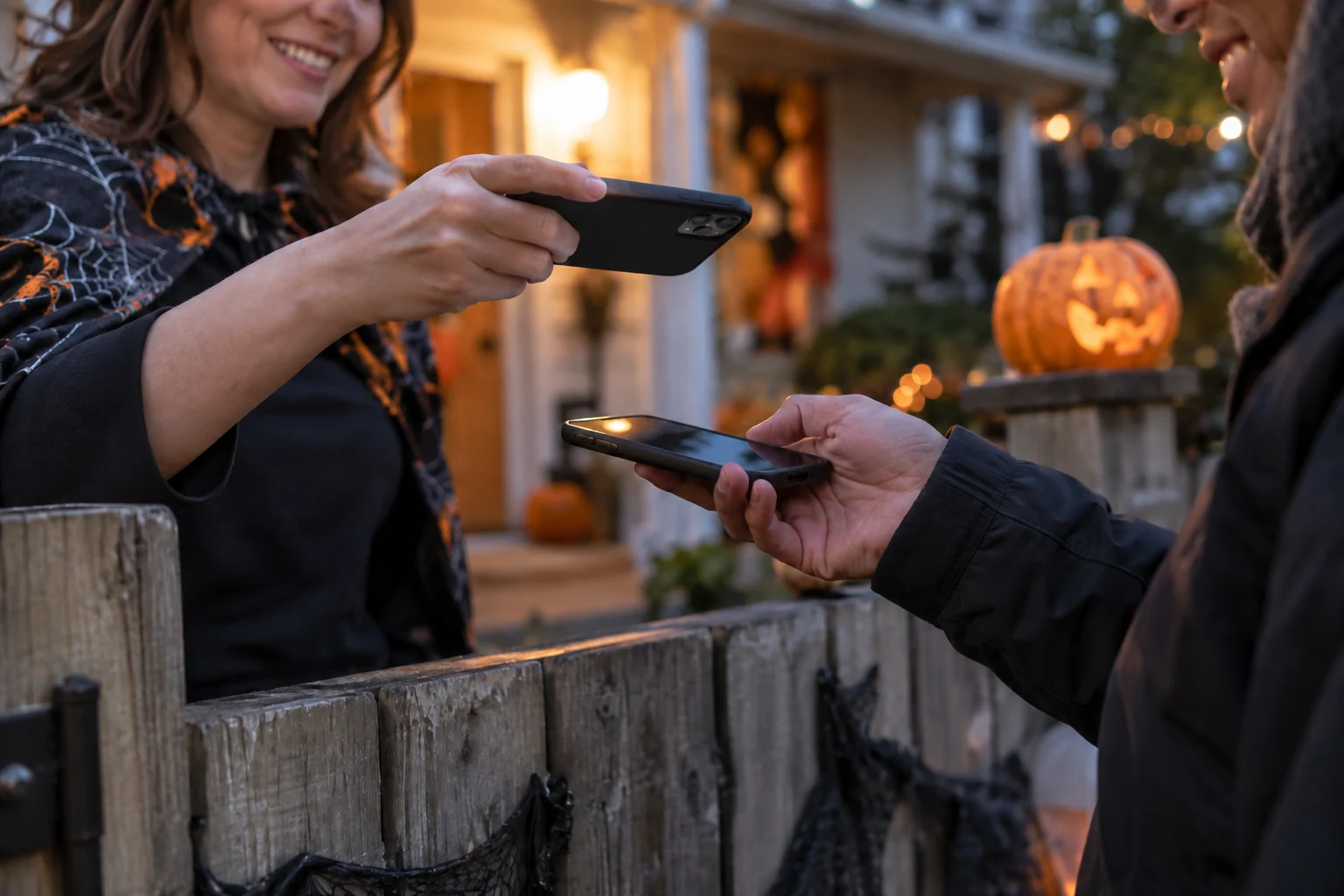
People already find your haunt on FrightMaps. Now they can buy the ticket without leaving.
That is the whole idea behind FrightMaps Ticketing. Until now, a fan would discover you on the map, get excited, and then get bounced to some other website to actually pay — a different login, a different cart, a different chance to lose them. The listing did the hard part and handed the sale to a stranger. That gap is closed. Tickets now live on the same map listing that already does your discovery.
The buyer never leaves
A fan taps your haunt, sees your dates and prices, and checks out right there in the app. No redirect, no third-party account, no "you are now leaving FrightMaps." When they pay, the ticket lands in Apple Wallet and Google Wallet — both, for every ticket, automatically. No PDF to dig out of an email at the gate. No screenshot that expired. The pass is on the phone they already have in their hand, and it updates if you change anything.
For the fan, buying a ticket to a haunt should feel like buying a ticket to a movie. That is the bar we built to.
Scan the gate from your phone
On your side of the fence, the gate runs on the phone in your pocket. Scanning is built into the seller app — point it at the Wallet pass, get a green check, let them in. No handheld scanners to rent, no tablet kiosk, no hardware to buy or charge or lose in the mud on opening night. If your crew has phones, your crew can scan.
And your crew should not be able to see your books. So staff logins come with roles:
- Owner — full access, including money.
- Manager — run the event, comp tickets, handle problems.
- Scanner — scan the gate. That is it. No revenue, no dashboard.
- Box office — sell and check people in at the door.
Your Saturday-night gate volunteer scans all night and never sees a dollar figure. That separation is the point — you get help without handing over the keys.
The money is yours, directly
Here is the part that matters most and gets buried everywhere else: you are the merchant of record. Ticketing runs on Stripe, connected to your own Stripe account. Every sale is made on your account, not ours.
Pricing is a flat 50 cents per ticket. No monthly fee. No contract. No percentage skim off the top of your gate, so a $35 ticket costs the same fifty cents to sell as a $12 one. Standard Stripe processing applies on top, the same as it would anywhere, and it goes to Stripe — not to us.
Running something free? A community trail, a kids' matinee, a charity night? Free events need no Stripe at all. Zero-dollar tickets skip payment entirely — people still reserve, still get a Wallet pass, still get scanned at the gate. You get the headcount without setting up a payment account for money that was never changing hands.
Tools for when it gets real
Selling is the easy part. The rest of it is what usually goes wrong, so it is all in the box:
- Discount codes — for early birds, season-pass holders, the local radio promo, your cousin.
- Refunds, full and partial — someone bought four and only three can come, refund one. Weather cancels a night, refund everyone. You do it yourself, in the app, without emailing support.
- A real dashboard — not a vanity number. Revenue and tickets sold, sales broken out by day and by hour so you can see exactly when your marketing landed, no-show rate so you stop over-ordering or under-staffing, and check-in by hour so you know whether 8pm is a wall of people or a trickle. That is staffing and inventory data, not decoration.
Fifteen minutes, walked through
You do not need to be technical to turn this on. Going live is a setup checklist that walks you through it step by step — connect your Stripe account, set your dates, price your tickets, publish. It takes about 15 minutes, and the checklist tells you what is left before your first sale can happen so nothing is a mystery.
If you can fill out your haunt's listing, you can sell tickets on it.
Start selling
Everything above is live now on your listing. Open sell-tickets to run the setup checklist, connect your Stripe, and price your first event — free events included, no payment setup required for those. Fifteen minutes and the same map that already sends people to your door can take the ticket money too, straight into your bank, fifty cents at a time.
And if you are a fan reading this: the haunts you follow can now sell you a ticket without kicking you to some other site. Find them on the map, buy in two taps, and the pass is in your Wallet before you close the app.
Find real haunts near you 🎃
Discover thousands of haunted houses and Halloween displays on FrightMaps — free, with directions and a save-a-route planner.