
Haunt Clubs Just Became Your Clubhouse: Board, Chat, Events, and Yard Signs
Your haunt club now has a members-only board, group chat, events with RSVP, curated club routes, and a free printable yard sign — all inside the FrightMaps app.
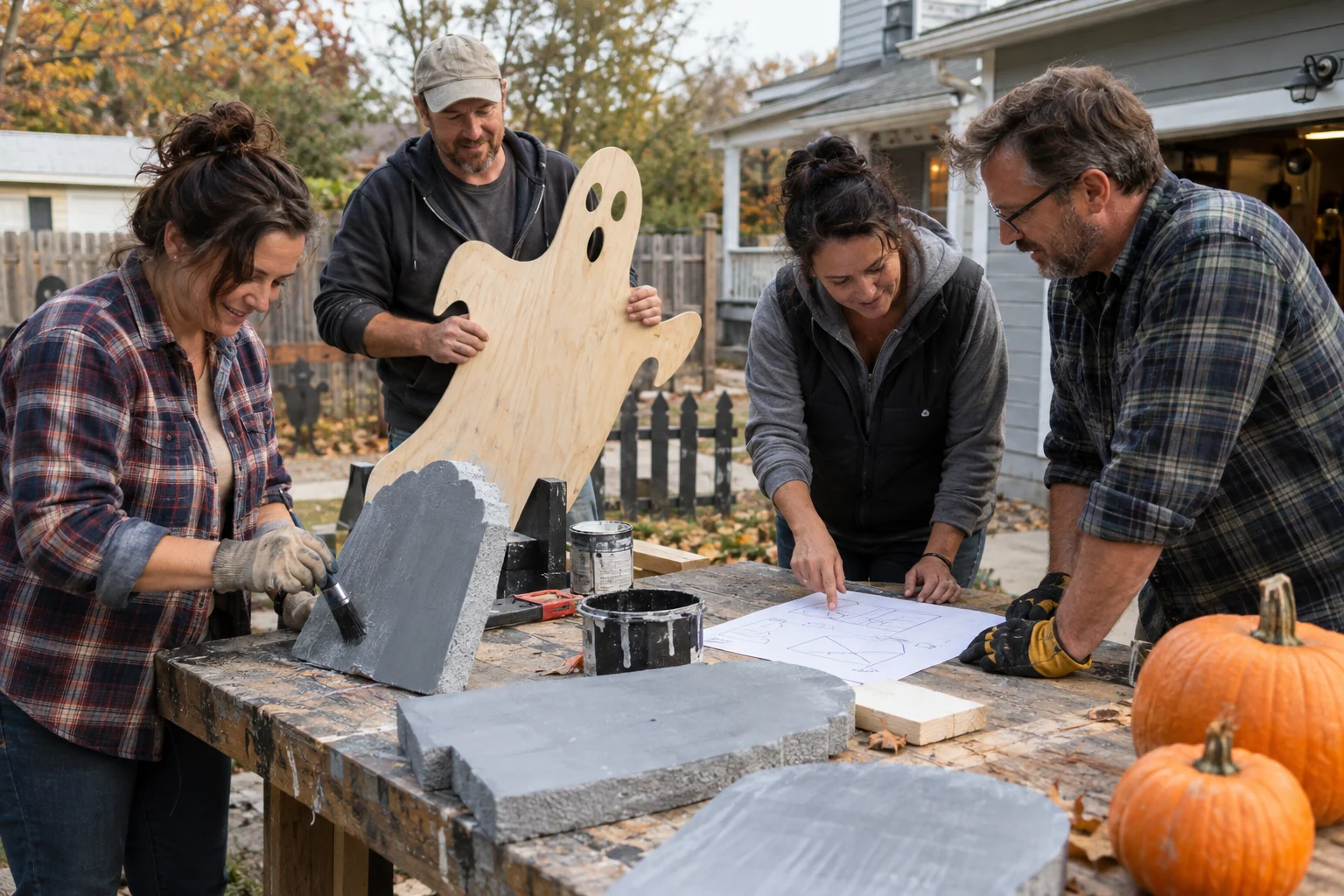
Your club already exists. Now it has a room.
Most haunt clubs run out of a group feed somewhere. That is not a knock. Group feeds are genuinely good at conversation, and plenty of great clubs were built in one. But there is a seam in them that never closes: the talk lives in one place and the haunts live in another. Somebody posts a fog chiller they built out of a cooler, four people ask where they are, and the answer is a comment with a cross street in it. Meanwhile every one of those haunts is already pinned, photographed, and liked on a map that thousands of local families open every October.
Club Home closes that seam. It is a members-only clubhouse inside the FrightMaps app, built right on top of the map your members are already on. Tap a poster's name and you land on their actual haunt page: the pin, the photos, the likes, the hours. The person and the haunt are the same record, because they always were.
That is the whole argument. Here is everything that shipped.
The Board
The Board is your club's feed, and only members can see it. Post photos of the build, ask what everyone is using for a controller, brag about the prop you found at a garage sale for eleven dollars. Members react and comment. Admins can pin an announcement to the top so "dues are due" or "load-in is Saturday at 9" does not scroll away by Tuesday.
The Members roster
Every approved member haunt in one list. Tap a member and their haunt page opens, the same page the public sees, with the map pin and the photo gallery. Or message them directly, which beats the annual "does anyone have his number" thread.
Chat
There is a club group thread for the whole roster, and direct messages for the side conversations. Coordinating a bus tour, splitting a fog juice order, asking one person a question that does not need an audience.
Joining is one request and one approval
A haunter requests to join from the app. The moment a club admin approves them, they get a Welcome to {your club} push and the app flips to member view. No invite links to chase, no "did you get added?", no second account. They were already on FrightMaps; now they are inside your club.
Events, with RSVP
Build days, garage sales, bus tours, the meeting where you argue about the tour route for two hours. Create the event, members RSVP, and you know who is actually coming.
Every event is either members-only or public. Public ones surface on Discover and on your club's public page, so a bus tour or a community build day can pull in people who are not members yet. If you sell tickets somewhere, you can link out to them from the event.
Club routes
Admins can curate member haunts into a driving tour and name it whatever they want. A CHB Northside Tour. A charity crawl. The five-stop version for people with small kids and an early bedtime.
It rides the app's existing route and navigation system, so it is not a list of addresses, it is a real route with turn-by-turn directions. Routes can be shared publicly, which means you can hand your city a curated night out with your club's name on it.
The free printable yard-sign kit
Every club gets a letter-size printable sign at frightmaps.com/clubs/your-club-slug/yard-sign. Club logo up top, then the line that does the work:
This haunt is a {Club} member. Scan to see all member haunts near you.
Underneath is a scannable QR code pointing at your club's page. Print it, laminate it, stake it by the sidewalk. Now every member's yard advertises every other member's yard, all season, for the price of a sheet of paper. We wrote a short how-to on printing, mounting, and placing it: The yard sign that grows your club.
Season leaderboard and awards
Member haunts get ranked by likes for the season, which is exactly as motivating and exactly as dangerous as it sounds. On top of that, admins crown season awards, and a crowned award shows as a badge on the winning haunt. Best Newcomer, Most Improved, Scariest Driveway In The County. Your club, your categories.
Public highlights
An admin can mark a board post public. When they do, it appears on the club's public web page and in a From the clubs strip on Discover. That is how a great build photo gets in front of people who have not joined anything yet, which is how clubs grow. The Board stays private by default; going public is always a deliberate tap.
One digest a week
Once a week, members get a single push summarizing new members, new posts, and the next event on the calendar. One message a week, not thirty. Nobody has ever joined a club because it notified them more.
Moderation, because it matters
Members can report posts and block other users. Club admins can remove content, and so can FrightMaps admins. Running a community means occasionally having to clean something up, and you should not have to email us to do it.
What it costs
Starting a club requires FrightMaps Pro. Joining a club is free, and always will be. If your club's admin is Pro, every member haunt gets the board, the chat, the events, the routes, the leaderboard, and the yard sign at no cost. Chicago Haunt Builders and Cleveland Haunt Club predate the gate.
Start one, or find yours
If you run a regional haunt group, a builders collective, or a charity coalition, this is a better home than a feed you do not own. Everything is here: the roster, the map, the events, the routes, and a public page that shows up when somebody searches your club by name.
- Organizers: start a club at /for-clubs.
- Haunters: find your club at /clubs, then request to join from the app.
Build something worth joining. We will keep the lights on.
Give your haunt club a home 🪧
Joining a club is free, and every member haunt gets the board, the chat, the events, the routes, and a printable yard sign. Organizers can start one with FrightMaps Pro.