
FrightMaps is on Alexa now, and it fires your props
Two new Alexa skills: find haunts near you hands-free, and voice-fire your FrightLink Fire Groups and hub ports without touching a controller.
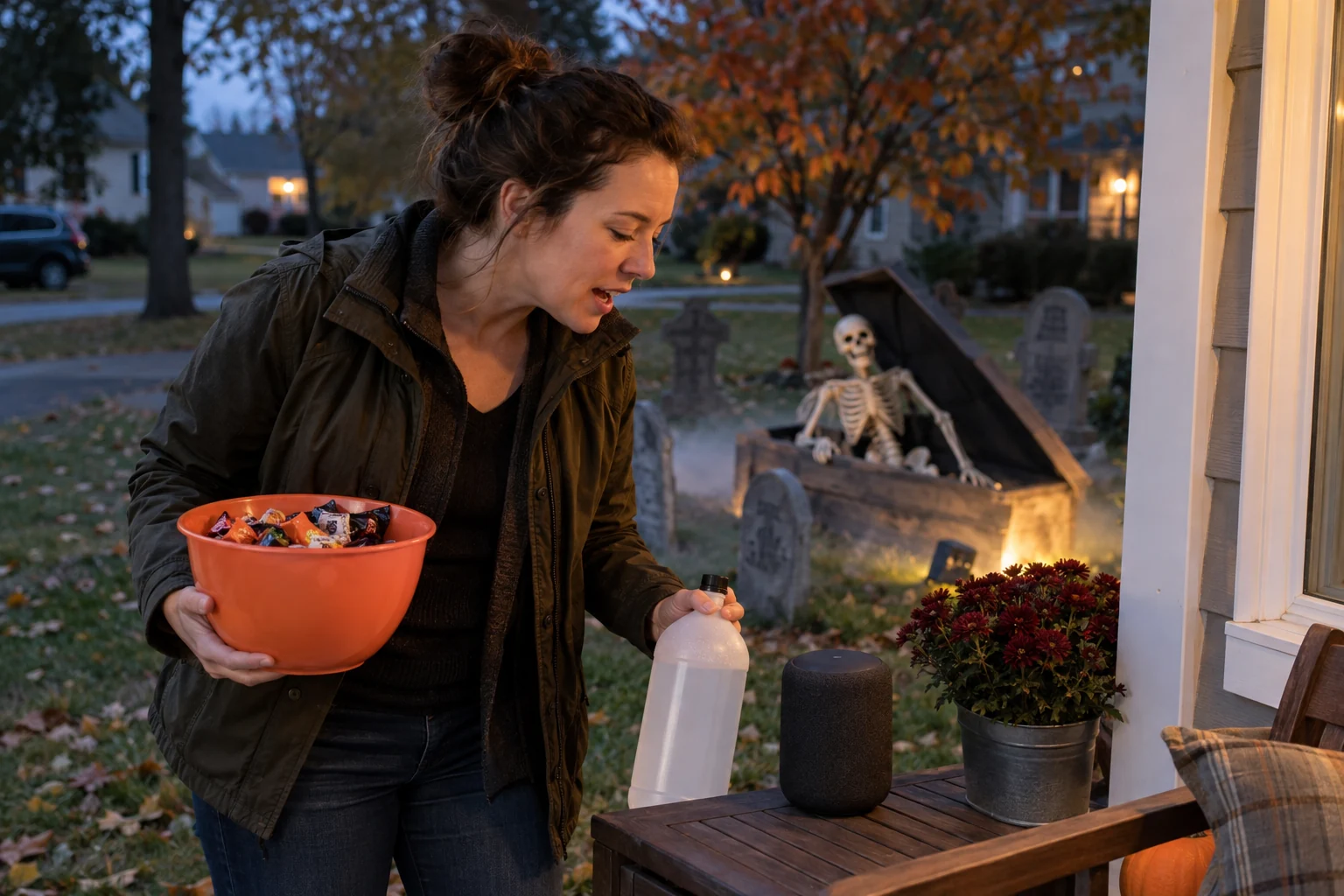
When your haunt is running, both your hands are already full. Fog fluid in one, candy bowl in the other, a doorbell that will not stop. The last thing you want to do is dig your phone out to trigger a cue. So we put FrightMaps on the one thing already sitting on your shelf, listening.
FrightMaps now ships two Alexa skills. One helps anyone find haunts near them by voice. The other lets home haunters fire their FrightLink props by talking to the room. They are separate skills on purpose, and you can enable either one on its own.
"Alexa, ask FrightMaps"
The first skill is the search skill, and it does exactly what the site does, without a screen.
Say "Alexa, ask FrightMaps what's near me" and it reads back haunted houses and events around your location. Ask "Alexa, ask FrightMaps what's open this weekend" and it filters to what's actually running. You can ask for the closest one, ask what's on tonight, or ask about a specific town. It is the same data behind the map you already use, just answered out loud while you're driving, cooking, or wrangling three kids into costumes.
This one is for everybody with an Echo, not just people who build. If you've ever wanted to plan a night of haunts without thumbing through a phone at a red light, this is the skill. Nothing to link, nothing to set up. Enable it and start asking.
"Alexa, turn on the graveyard"
The second skill is the one home haunters have been asking for, and it's the reason this project got interesting.
It's a Smart Home skill, which means Alexa treats your haunt like it treats your lamps. Every FrightLink Fire Group and every hub port you've set up shows up in the Alexa app as a device you can turn on. Once they're there, Alexa's whole vocabulary works on your props.
So you say "Alexa, turn on the graveyard," and the Fire Group named graveyard fires. Say "Alexa, turn on the porch scare," and that hub port triggers. Because these register as normal Alexa devices, you can drop them into Alexa Routines and group cues together, put them on a schedule, or chain them behind a single phrase. Want one word to kill the lights, start the fog, and drop the drop-panel? That's a Routine now, and the trigger is your voice instead of a tablet you have to keep unlocked on a table.
Nothing about your existing setup changes. Your Fire Groups and ports are still yours, still fire from the app and every other trigger they already respond to. Alexa is just one more way to pull the string, and it's the one that works when your hands are covered in latex.
Linking takes a tap, not a password
Here's the part we're quietly proud of. Connecting Alexa to your FrightMaps account does not send you to a browser window on your TV to peck out a password with a remote.
When you enable the FrightLink skill, account linking gets approved right inside the FrightMaps app. You open the app, you see the request, you approve it. Done. No copied codes, no typed credentials, no "please sign in again" loop that makes you give up halfway through. The app already knows who you are, so it just confirms it's really you and hands Alexa a token. If you've ever rage-quit linking a smart-home skill because the login flow was miserable, you already understand why we built it this way.
Why we bothered
Home haunters don't have a control booth. They have a folding table, a laptop with a dying battery, and a doorbell. The failure mode of a great home haunt is almost never the props. It's the operator being in the wrong place at the wrong second, phone buried, when the group of trick-or-treaters actually walks up.
Voice fixes the exact thing that goes wrong. You keep your eyes on the yard and your hands on the candy, and the cue fires because you said so. It's the same reason we built Fire Groups in the first place: fewer taps between the idea of a scare and the scare happening. Alexa is that idea taken to zero taps.
And the search skill earns its place for a different crowd. Plenty of people who will never wire up a relay still want to find a good haunt on a Friday without staring at a phone. Both skills come from the same belief, which is that the fun part shouldn't require a screen in your face.
How to start
If you just want to find haunts, open the Alexa app, search FrightMaps, and enable the search skill. Then say "Alexa, ask FrightMaps what's near me." That's the whole setup.
If you run a home haunt, first make sure your cues are built as Fire Groups and hub ports in FrightLink — that's what Alexa will see. Then enable the FrightMaps FrightLink skill in the Alexa app, open the FrightMaps app to approve the link with a tap, and let Alexa discover your devices. Rename them to whatever you'll actually say out loud — graveyard, coffin, the scream — and you're firing by voice.
Wire it up before the crowds show up, not during. Then go stand in your yard and let the room do the work.
Find real haunts near you 🎃
Discover thousands of haunted houses and Halloween displays on FrightMaps — free, with directions and a save-a-route planner.