
Nine Things to Do With Your Skeleton This October
Six app-controlled ideas for a supported Ultra Skelly or Lethal Lily, plus fundraising, a map listing and a haunt club for any skeleton display.
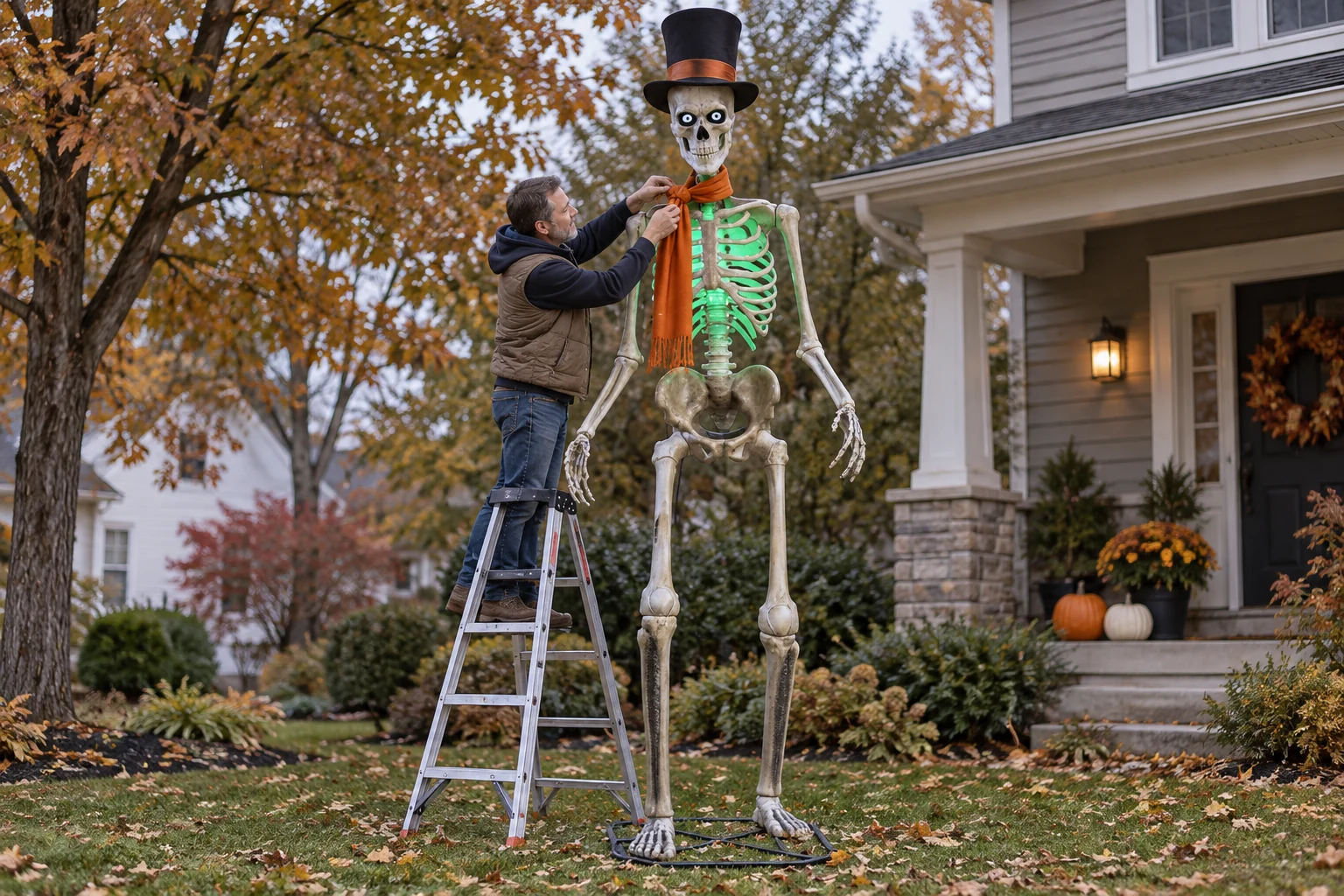
First, which skeleton you have
Ideas 1 through 6 require a supported prop: the 6.5-foot Ultra Skelly, model 25SV24690, using the SVI Ultra Skelly v2 profile, or the 7-foot Lethal Lily. Available motion, eye and light controls depend on the profile. The 2026 12-foot App-Controlled Skelly, model 26SV25555, is a different product whose FrightMaps compatibility has not yet been verified. The classic non-app-controlled 12-foot Skelly has no Bluetooth control link. Ideas 7 through 9 work with any skeleton display, app or not.
If you have not set up Skelly Studio yet, the feature overview is at Give Your Ultra Skelly Something to Say. This post is the ideas list.
1. Give it a name and a character
Open the More tab, tap Skelly Studio, tap Scan. The prop shows up in a few seconds if it is switched to Bluetooth mode and its own app is closed.
Pick a character from the selector or write your own prompt. Claude writes the lines, an ElevenLabs voice speaks them, and the jaw moves with the audio. The free plan includes 2 voice minutes, enough to hear what your named character sounds like before you pick a plan.
2. Greet people on the porch with Live Mode
Live Mode is real-time talk-back. Someone asks, you hold the mic button in the app, and the skeleton answers out loud.
One setup detail trips up most people. The skeleton is two Bluetooth devices. The app holds the control link. The speaker is separate, and you pair it in your phone's Bluetooth settings like any other speaker. Until Live Mode is on and the speaker is paired, the voice plays from the phone and the jaw stays still.
3. Run friendly at 6, scary at 9
Same skeleton, two moods, no rewiring.
- Swap the character. A kid-friendly one for the early crowd, a nastier one after the little ones go home.
- Use the Performance effects checklist. Whisper, dramatic, angry, laugh, gasp, crying, explosion and the rest are individual toggles, so you can switch the harsh ones off for the early shift and back on later. Effects only play in Expressive Mode, which is on Haunted Duo Plus and Ultimate and bills 2 minutes for every 1.
- On Ultra Skelly, check or uncheck "Change eye patterns during replies" and "Change LED lighting during replies" to keep the lights calm early and let them loose late. Both need Pro; the available controls depend on the prop profile.
4. Answer in a second language
Skelly Studio has a reply language picker with 12 options: English, Spanish, German, French, Italian, Portuguese, Dutch, Polish, Swedish, Japanese, Korean and Hindi. The same voice speaks whichever you pick. If your block has Spanish-speaking families, set it for the night and the skeleton switches over.
5. Add Lethal Lily
The 7-foot Lethal Lily has her own profile in Skelly Studio. The app recognizes her by name and relabels the controls: wrist, elbow, head and eyes instead of Ultra Skelly's joints, one lantern instead of the torso and head lights, and flickering, pulsing or chasing light modes. She has no LCD eyes, so the 18 eye patterns are Ultra Skelly-only.
Give her a character of her own. Skelly Studio connects to one prop at a time, so you switch between them rather than running both live from one phone.
6. Let the lights react (Pro)
FrightLights ties Govee lights to the skeleton's replies. Turn on "Control FrightLights during replies," pick which lights, and when the skeleton answers, the yard answers with it. This one needs Pro.
7. Turn it into a fundraising skeleton for St. Jude
Skeletons for St. Jude is a community program run by haunters with 12-foot skeletons, raising money for St. Jude Children's Research Hospital. In FrightMaps, open Edit House, switch on "Skeletons for Saint Jude," and add your fundraiser link, goal and story. The program's reviewer approves the listing, and approved yards get the yellow St. Jude skeleton icon on the map.
Approvals happen through the fall. I cannot promise a turnaround, so opt in early.
8. Put the yard on the map
Listing is free: Profile, add house. FrightMaps has about 11,300 listings and 259,000 accounts across iOS and Android. Pro skips the review queue and adds more photos and video.
9. Join a haunt club
Haunt Clubs and contests live in the app, and the website has a directory at /clubs. It is where you find the other skeleton owners near you.
What voice minutes cost
- Free: 2 minutes to try it.
- Haunted Duo, $7.99/mo: 15 minutes.
- Haunted Duo Plus, $12.99/mo: 35 minutes.
- Haunted Duo Ultimate, $19.99/mo: 70 minutes.
Base FrightMaps Pro at $7.99/mo gets you Pro features but includes no voice minutes. People buy it expecting minutes and get none, so read that line twice before you buy. Expressive Mode bills 2x.
Two more from the support inbox. If you bought while signed in as a guest, the purchase sits on the guest account: sign in, then More > Restore Purchases. If Scan finds nothing, the prop is still in Try Me mode, the skeleton's own app is holding the connection, or FrightMaps does not have Bluetooth permission on your phone.
What it cannot do yet
Skelly cannot fire FrightLink props or start light shows. Those are separate for now, so plan the porch around it.
How to start
- Download FrightMaps for iOS or Android.
- Put the skeleton in Bluetooth mode and close its own app.
- More > Skelly Studio > Scan, turn on Live Mode, then pair the speaker in your Bluetooth settings.
- Pick a character and spend your 2 free minutes.
The feature page is at /features/ai-skelly, and everything else new this season is in What's new in FrightMaps 2026.
Give your skeleton a voice 💀
Skelly Studio is in the free FrightMaps app. Pair your Ultra Skelly or Lethal Lily over Bluetooth, try the AI voice with the free minutes, and pick a Duo plan when you want it to talk all night.